



Showroom
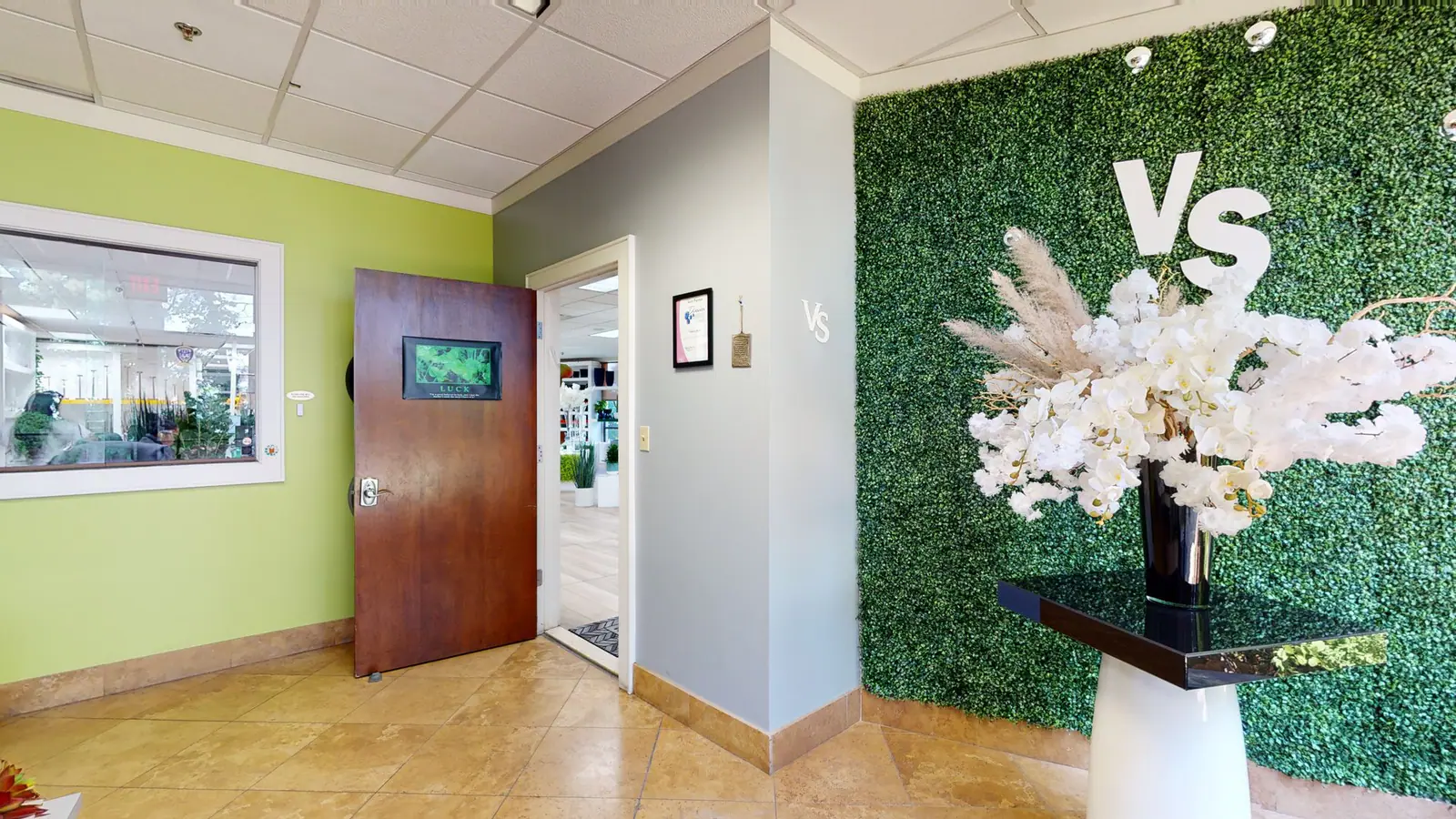
Let prospects explore product displays and understand how the showroom is organized before or after a visit. Product hotspots, guided tours, stills, renders, video, and shareable spatial context can keep the sales conversation grounded in the real room.
Seeing is Believing
The Essentials


Browser-based, fully interactive virtual walkthrough with customizable navigation.


Exploded 3D model view for immersive, full-space context & orientation at scale.


Top-down, interactive map view for quick room navigation and spatial orientation.


Curated click-through selection of the best scenes to showcase key features.


Point-to-point on-screen measurements for planning and orientation inside the tour.


Embed text, images, links, or videos directly within your tour for contextual info.


Passwords, unlisted links, and private models for secure, flexible sharing.


One-line iFrame or MLS-compatible embed code for seamless integration on any site.
Next Gen Toolkits
Matterport 3D Cameras
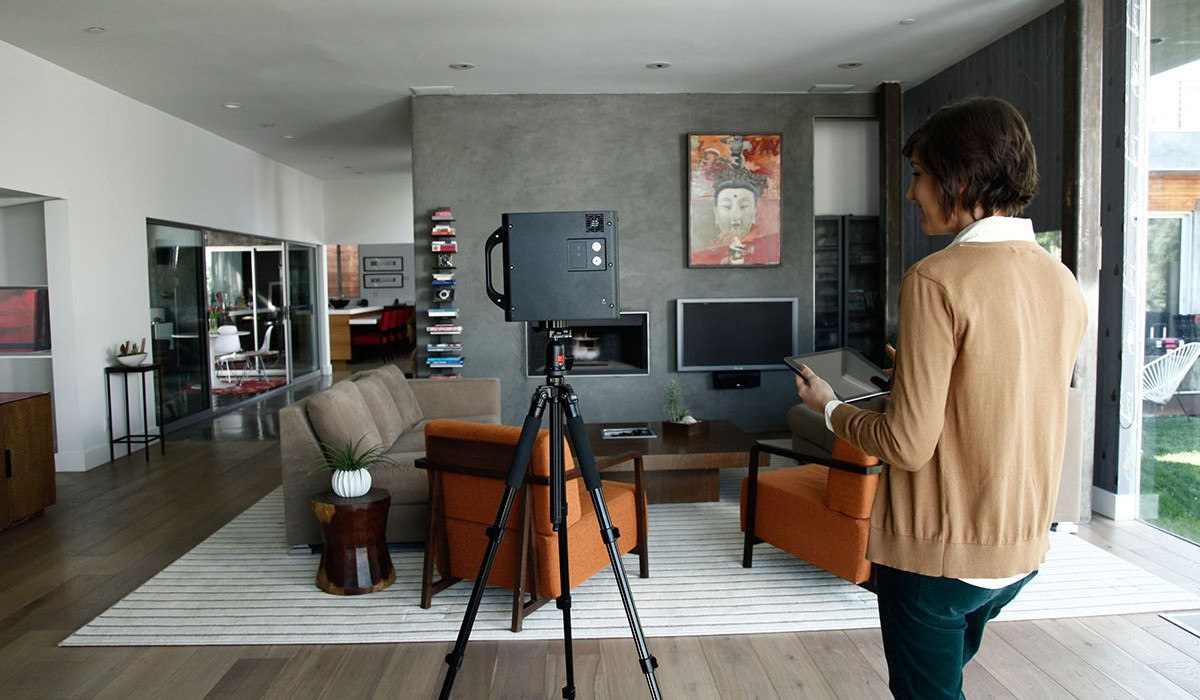
Capture stunning digital twins with fast, accurate LiDAR scanning. Ideal for indoor and outdoor use, delivering high-resolution 3D models with precise spatial detail.
NavVis Laser Scanners
Capture large spaces with speed and precision using advanced SLAM technology. Ideal for indoor mapping, NavVis delivers high-quality, georeferenced 3D scans on the go.
And More
Our toolkit goes far beyond Matterport and NavVis. We continuously add cutting-edge capture devices and software to ensure no detail is missed.
Global Coverage
Why should I scan with Virtual Space?
Virtual Space removes the guesswork from 3D capture by delivering standardized, professional Matterport scans built for long-term use. We don’t just create digital twins - we manage them using proven workflows that maximize accuracy, usability, and ROI over time.
Is this useful for showrooms or retail spaces?
Yes. Retailers and brands use 3D tours to create virtual showrooms that replicate the in-person shopping experience.
Do you offer multi-site scanning?
Yes. Multi-site scanning is one of our core capabilities. From single locations to large national portfolios, VirtualSpace is structured to deliver consistent Matterport captures across cities, regions, and countries using trained Spatialists and centralized quality control.
How should I prepare my space?
Prepare your space by unlocking access points, removing unwanted items, and scheduling during a low-traffic time. The camera captures everything within line of sight, so any visible objects or people may appear in the final digital twin.
How do I share a Virtual Space?
Each Matterport space is delivered with a secure shareable link. You can send the link via email, text, or messaging apps, or post it on websites and social platforms. Anyone with the link can view the space instantly on any device.